
How Audio Isolators Solve Ground Loop Noise Problems in Recording Studios
Audio isolators are essential devices that eliminate ground loop noise in recording studios by breaking unwanted electrical connections between audio equipment. Ground loop interference creates that irritating hum and buzz that compromises recording quality, making isolators a critical investment for any professional or home studio setup. These devices work by electrically separating audio signals while maintaining signal integrity, ensuring clean audio transmission without interference.
Understanding Ground Loop Noise in Studio Environments
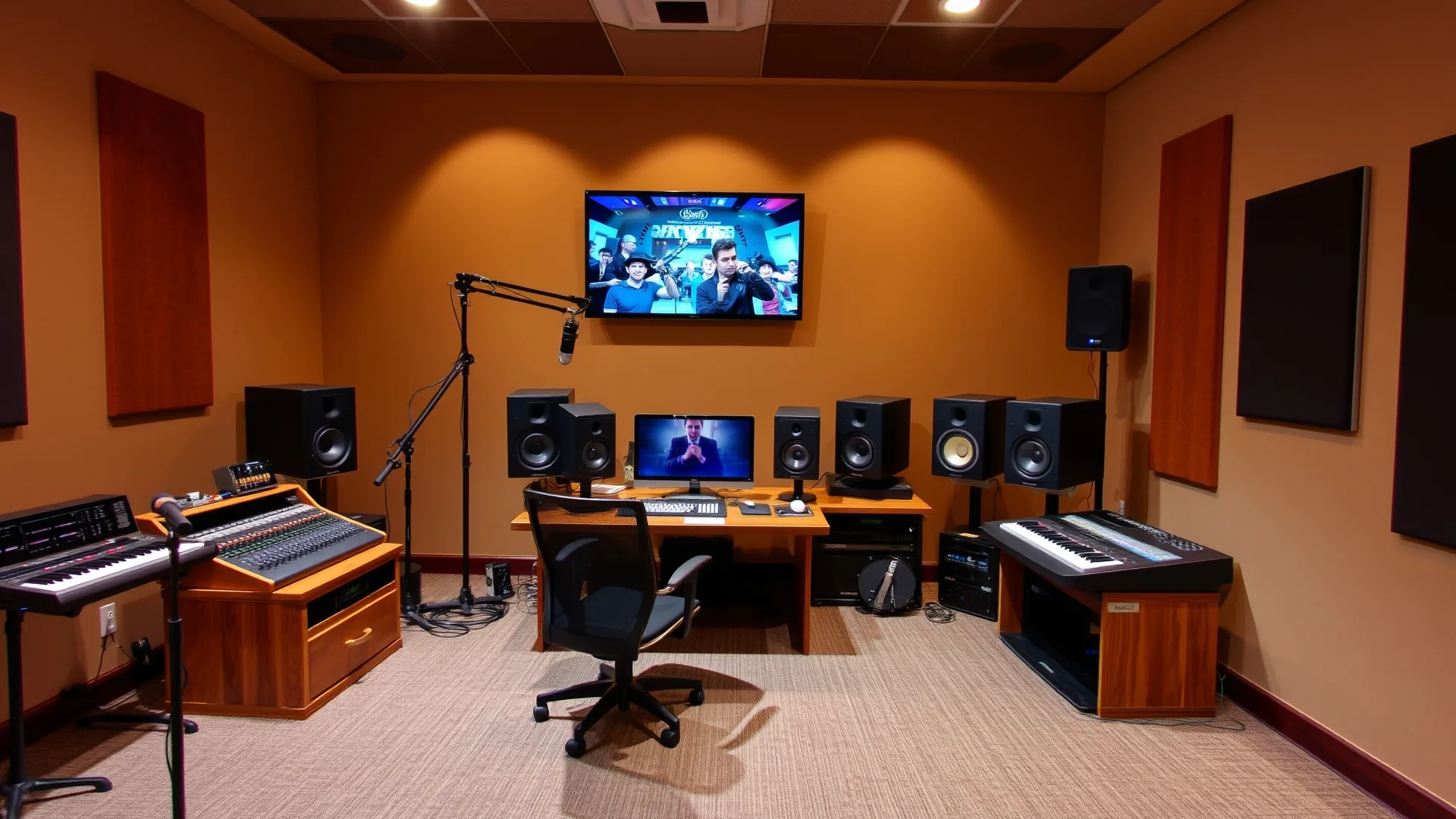
Ground loop noise occurs when multiple audio devices connect to different electrical grounds, creating a voltage difference that manifests as hum or buzz at 60Hz (in the US) or 50Hz (in Europe). According to the National Institute of Standards and Technology (NIST), electrical grounding issues account for a significant percentage of interference problems in electronic audio equipment. In recording studios, this phenomenon commonly appears when connecting computers, mixers, amplifiers, and external hardware through various cables and power sources.
The grounding loop forms a complete circuit through shield connections in audio cables, allowing stray current to flow through signal paths. This current induces unwanted noise directly into the audio signal. Studios with multiple power circuits, extensive gear collections, and complex routing configurations face higher risk of experiencing ground loop issues that degrade audio quality.
How Audio Isolators Function to Eliminate Interference
Audio isolators break the ground loop by using transformer-based isolation between input and output connections. The transformer transfers the audio signal magnetically rather than electrically, which completely severs the ground connection while preserving the audio waveform. This isolation ensures that voltage differences between connected devices cannot create interfering currents in the signal path.
The isolation transformer typically features a specific turns ratio that matches the impedance requirements of the audio system. High-quality audio isolators provide wide frequency response, minimal signal loss, and high common-mode rejection ratio (CMRR). The World Wide Web Consortium (W3C) emphasizes proper technical documentation for audio equipment specifications, which helps users select appropriate isolators for their specific applications.
Common Sources of Ground Loop Problems in Recording Studios
Recording studios encounter ground loop noise from several predictable sources. Multiple equipment connections to different power outlets create ground potential differences. Laptop computers connected to both power and audio interfaces frequently generate hum. Lighting systems, especially dimmers, introduce electrical noise into studio environments. Long cable runs between equipment also increase susceptibility to ground loop interference.
Professional recording facilities often experience ground issues when connecting microphone cables to multiple preamps or mixing consoles. The shield connections in these cables can carry unwanted ground currents between devices. Understanding these sources helps studio engineers implement preventive measures and appropriate isolation solutions.
Types of Audio Isolators Available for Studio Use
Several categories of audio isolators serve different studio needs. Direct box (DI) isolators combine impedance matching with ground lifting for instrument connections. These devices, often used with instrument cables, allow bass guitars and keyboards to connect directly to mixing consoles. Passive DI isolators rely on transformers, while active versions require power but offer additional features.
Rack-mounted isolation units provide multiple channels for complex studio setups. These typically offer XLR and 1/4-inch connections with ground lift switches. Portable inline isolators attach to cable runs anywhere in the signal chain. Selection depends on the number of channels needed, connection types required, and whether the installation is permanent or temporary. For venues using DMX cables for lighting control alongside audio systems, proper grounding becomes even more critical to prevent interference between lighting and audio equipment.
Installing Audio Isolators in Your Studio Setup
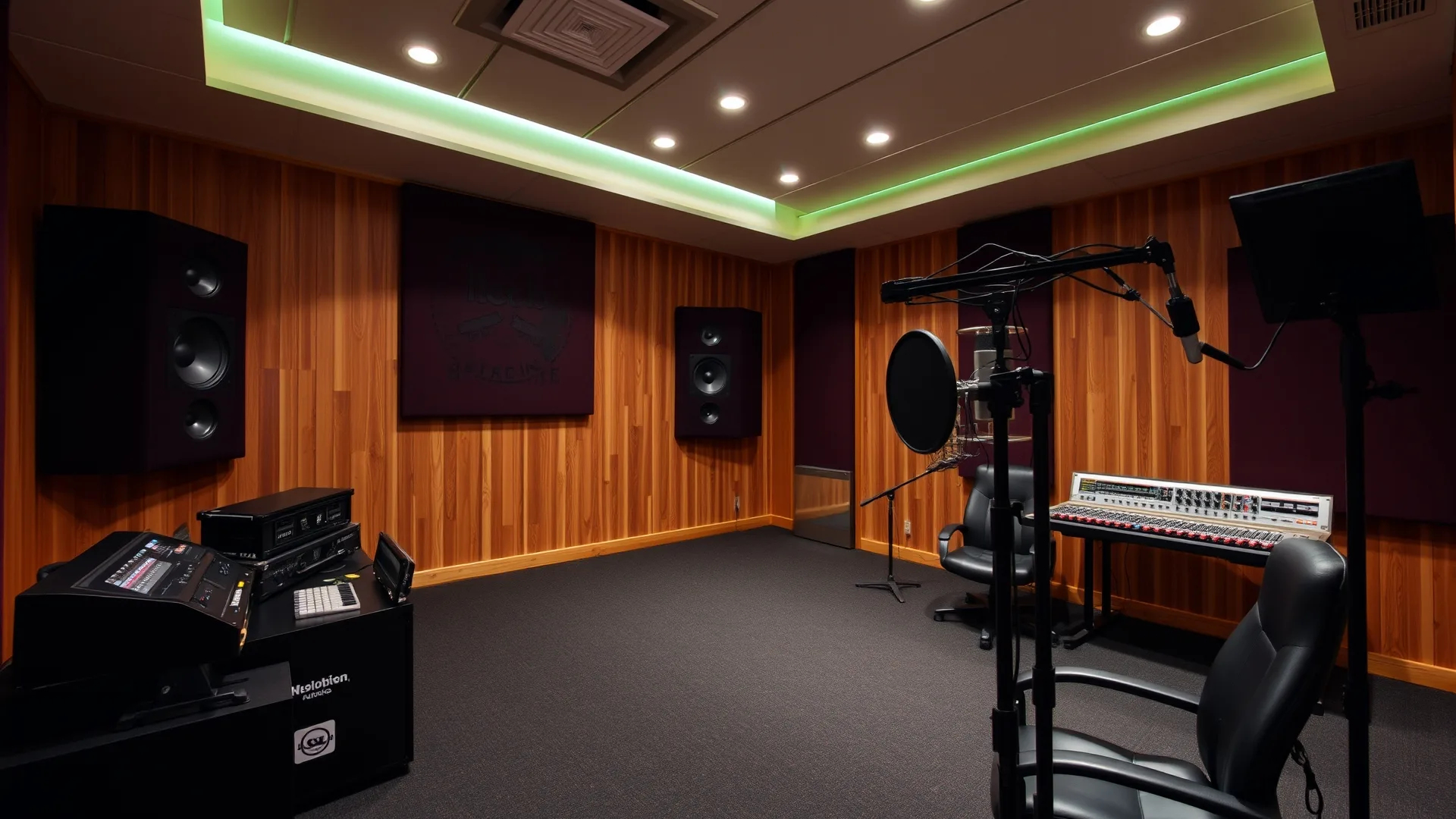
Proper installation of audio isolators requires identifying the exact point where ground loop enters the signal chain. Begin by disconnecting all audio connections and systematically reconnecting them while monitoring for hum. Insert the isolator at the connection point where noise first appears. This diagnostic approach, while time-consuming, ensures optimal placement.
For most studio configurations, installing isolators at the following points proves most effective:
- Between computer audio interfaces and monitor controllers
- At the input of mixing consoles from external sources
- Between outboard gear and main mixing systems
- At connections between rooms or different power circuits
When routing flat cables or standard audio cables through studio furniture, ensure adequate separation from power cables to minimize induced interference. The isolator should connect to stable, grounded power sources to function correctly.
Selecting the Right Audio Isolator for Your Requirements
Choosing appropriate audio isolators involves evaluating several technical specifications. Frequency response should cover the full audible range from 20Hz to 20kHz with minimal deviation. Impedance matching between source and destination equipment prevents signal loss or loading issues. Maximum input level handling ensures the isolator can accommodate hot signals without distortion.
The International Organization for Standardization (ISO) publishes relevant standards for audio equipment performance that can guide purchasing decisions. Look for isolators with high-quality transformers from reputable manufacturers. Build quality affects long-term reliability, especially in studios with frequent setup changes.
Preventing Ground Loop Issues Beyond Isolators
While audio isolators solve most ground loop problems, complementary practices strengthen overall system performance. Using balanced connections whenever possible reduces susceptibility to interference. Keeping audio cables separated from power cables prevents inductive coupling of noise. Ensuring all equipment connects to the same electrical circuit eliminates ground potential differences.
Quality ethernet cables and proper network infrastructure matter when streaming audio over IP networks. Modern studios increasingly use networked audio protocols that require stable grounding throughout the entire system. For facilities requiring extended cable runs, implementing a network cable extender can help maintain signal integrity while preserving proper grounding practices.
Troubleshooting Persistent Ground Loop Problems
Some ground loop situations require deeper investigation beyond simple isolator installation. Hum that changes with volume control position may indicate a preamp or amplifier issue rather than ground problems. Buzz that varies with room lighting suggests electrical rather than audio-frequency interference. Persistent problems may require professional electrical evaluation of building wiring.
Testing methodology involves removing all connections except the most basic setup, then adding components sequentially to identify the offending piece of equipment. This systematic approach reveals whether the issue stems from a specific device, cable, or power connection. Documentation of test results following Google developer guidelines for structured data can help maintain troubleshooting records.
Audio Isolator Specifications and Performance Metrics
Understanding technical specifications helps compare audio isolator options effectively. Key parameters include frequency response tolerance (typically ±1dB across the audible range), total harmonic distortion (THD) ratings, and common-mode rejection ratio measured in decibels. Higher CMRR values indicate better rejection of ground-induced noise.
The following table summarizes typical specifications for professional-grade audio isolators:
| Specification | Entry Level | Professional Grade |
|---|---|---|
| Frequency Response | 100Hz – 15kHz | 20Hz – 20kHz |
| THD (1kHz) | <0.1% | <0.01% |
| CMRR | 60dB | >80dB |
| Max Input Level | +10dBu | +20dBu |
Cost Considerations and Return on Investment
Audio isolators range from budget-friendly options under $50 to professional units exceeding $500. Entry-level units serve occasional home studio needs adequately. Professional installations benefit from higher-specification units that maintain signal integrity under demanding conditions. The investment protects expensive recording equipment from ground-related damage while ensuring clean audio capture.
Search engine optimization best practices, as documented by Wikipedia’s SEO guide, emphasize demonstrating value and expertise in technical content. Professional studio engineers recognize that audio quality directly impacts client satisfaction and project outcomes, making isolators a worthwhile investment regardless of budget constraints.
Frequently Asked Questions About Audio Isolators
Do audio isolators reduce signal quality?
Quality audio isolators with transformer-based designs introduce minimal signal degradation. Professional-grade units maintain frequency response within ±1dB across the audible spectrum and preserve dynamic range effectively.
Can I use multiple isolators in one signal chain?
Yes, multiple isolators can address complex grounding situations, though unnecessary isolation may slightly reduce signal strength. Each isolator adds a small amount of insertion loss that becomes noticeable with excessive cascading.
Will an isolator fix all audio hum problems?
Audio isolators specifically address ground loop hum. Other noise sources like radio frequency interference, cable defects, or faulty components require different solutions. Proper diagnosis ensures appropriate remediation.
Do I need isolators for a home studio?
Home studios benefit significantly from isolators, especially when connecting computers, multiple audio interfaces, or equipment on different power circuits. Even basic single-room setups often experience ground issues that isolators resolve.
Are passive or active isolators better?
Passive transformer isolators work without power and provide reliable isolation without electronic complexity. Active isolators offer additional features like gain control but require power and introduce active circuitry that could potentially fail.


